Make a live restaurant menu.
Create a menu with prices and photos, then share live display links for multiple screens.
Share your menu with one QR code.
Guests can always browse your dishes on their phone. Taking orders is optional.
Worked example
Use the same dishes on a screen and a phone
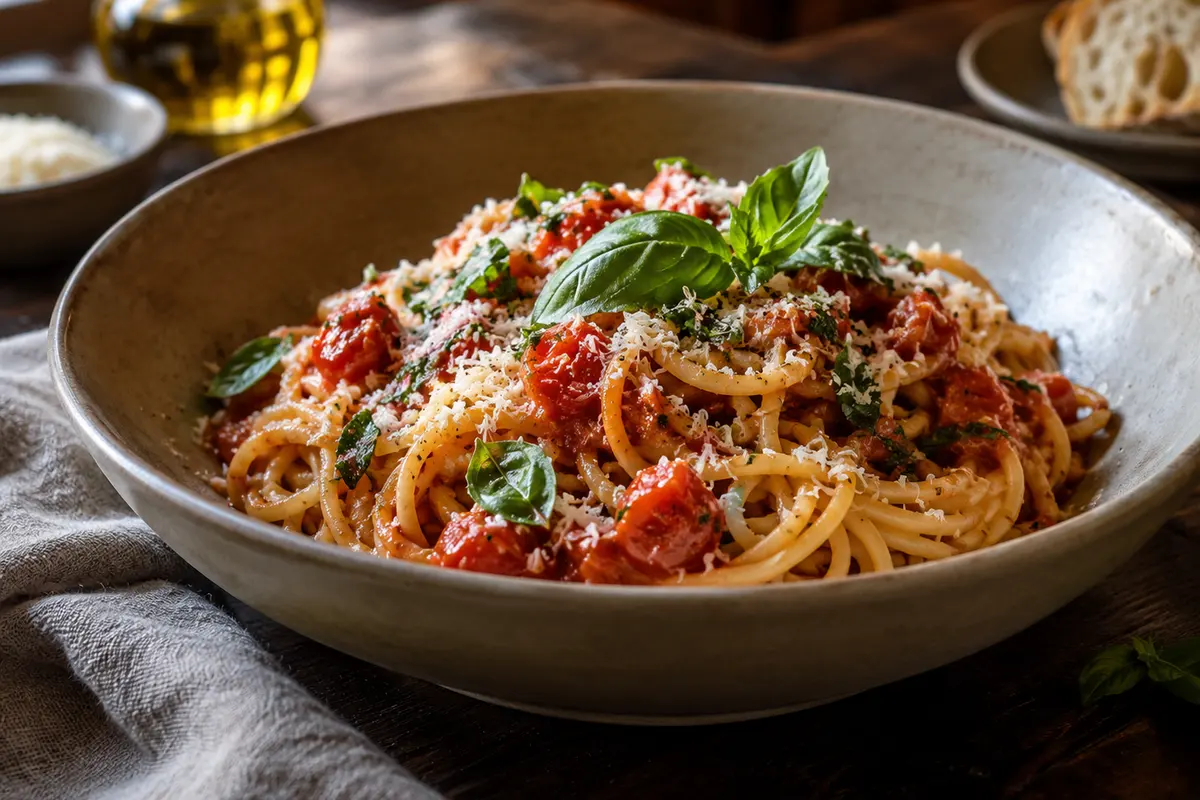
Input: Create a main-course section with a pasta dish priced at 169 NOK. Choose that section for a screen and open the customer menu.
Result: The screen displays the selected section; customers can browse the menu on a phone. Ordering is available only if the restaurant enables it.
Meaning: Save changes to publish them to the menu links. Screens normally check for saved changes every two minutes.
Remember: A visible menu is not automatically open for orders. Ordering, sign-in requirements and optional online payment are restaurant settings. Do not submit a demo order to a real restaurant.
Praktisk eksempel
Bruk samme retter på skjerm og telefon
Utgangspunkt: Lag en hovedrettseksjon med en pastarett til 169 kr. Velg seksjonen for en skjerm, og åpne kundemenyen.
Resultat: Skjermen viser valgt seksjon. Kunder kan lese menyen på telefonen. Bestilling er bare tilgjengelig når restauranten har slått den på.
Forklaring: Lagre endringer for å oppdatere menylenkene. Skjermer sjekker vanligvis etter lagrede endringer hvert andre minutt.
Husk: En synlig meny er ikke automatisk åpen for bestilling. Bestilling, krav til innlogging og valgfri nettbetaling styres av restauranten. Ikke send en prøvebestilling til en ekte restaurant.
Exemplo prático
Use os mesmos pratos em uma tela e no celular
Entrada: Crie uma seção de pratos principais com uma massa a 169 NOK. Escolha essa seção para uma tela e abra o cardápio dos clientes.
Resultado: A tela exibe a seção selecionada; os clientes podem consultar o cardápio no celular. Fazer pedidos só é possível se o restaurante ativar a função.
Significado: Salve as alterações para publicá-las nos links do cardápio. Normalmente, as telas verificam a cada dois minutos se há alterações salvas.
Lembre-se: Um cardápio visível não está automaticamente aberto para pedidos. Pedidos, exigência de login e pagamento online opcional são configurações do restaurante. Não envie um pedido de teste a um restaurante real.
Exemplo prático
Utilize os mesmos pratos num ecrã e no telemóvel
Dados de entrada: Crie uma secção de pratos principais com uma massa a 169 NOK. Escolha essa secção para um ecrã e abra a ementa dos clientes.
Resultado: O ecrã apresenta a secção selecionada; os clientes podem consultar a ementa no telemóvel. Fazer pedidos só é possível se o restaurante ativar a função.
Interpretação: Guarde as alterações para as publicar nas ligações da ementa. Normalmente, os ecrãs verificam a cada dois minutos se existem alterações guardadas.
Tenha em atenção: Uma ementa visível não está automaticamente aberta para pedidos. Pedidos, exigência de início de sessão e pagamento online opcional são definições do restaurante. Não envie um pedido de teste a um restaurante real.
Step-by-step guide Try an example
A few useful things to know
How do screens stay up to date?
Each screen uses a view-only link and checks for saved changes every two minutes. You can refresh a screen immediately from its display controls.
Can each screen show something different?
Yes. Give each screen a name and choose which sections appear. You can also change page timing and rotate the display for a portrait monitor.
What does it cost to host?
Menus use the existing VikingTools storage. Free accounts can save two menus, with up to eight screen links per menu and 1 MB of compressed photos per account. Limits keep the free service within its storage budget.